
DX Solution
Building the factory record AI can decide on
Equipment, production, quality, energy, orders and approvals in one record — for AI to decide on.
ROADMAP
From equipment data to a record AI can decide on
On top of equipment data (OT, DATA), DX creates the operating record and supplies what AX decides on.
PAIN POINT
Before AI, a factory needs a record of itself

Every maker's equipment emits its signals a different way, output sits in the shift leader's spreadsheet, quality in the inspection room's, and breakdown history in the maintenance team's ledger.Same day, same line — and the number is different in all three places.There is no source to work out where the bottleneck is or what the real operating rate comes to.
Equipment on different protocols, and older machines with no port at all, are connected together and grouped by line.The scattered records are brought onto one basis, so the state of the line right now can be read off a single screen.

The reporting cycle follows the working cycle.A defect that appears in the morning reaches the report the next day, and production carries on under the same conditions in between.Typos and estimates creep in while the figures are transcribed, and the equipment conditions at the moment of the defect are not kept, so the cause cannot be reproduced.
Output and quality are collected automatically at the moment they occur, with no hand in between.Equipment conditions and inspection results accumulate against the same timestamp, so causes can be traced and the record becomes data an AI can learn from.

Data that means the same thing carries a different name and unit on every machine.A new interface is written for each connection, so the maintenance burden grows faster than the number of machines.When the person in charge moves on, no one is left who knows the mapping, and it becomes a black box.
The standard data model is set first and the equipment is fitted onto it.Replacing a machine or adding a line extends the model without bespoke development, and the mapping rules stay in the system, so they survive a change of owner.
LINE-UP
Four solutions linking manufacturing and business
Production and energy records inside the plant, trade and work outside it — each handled by its own solution.
01 · MES
Connecting the flow of production, from order to shipment
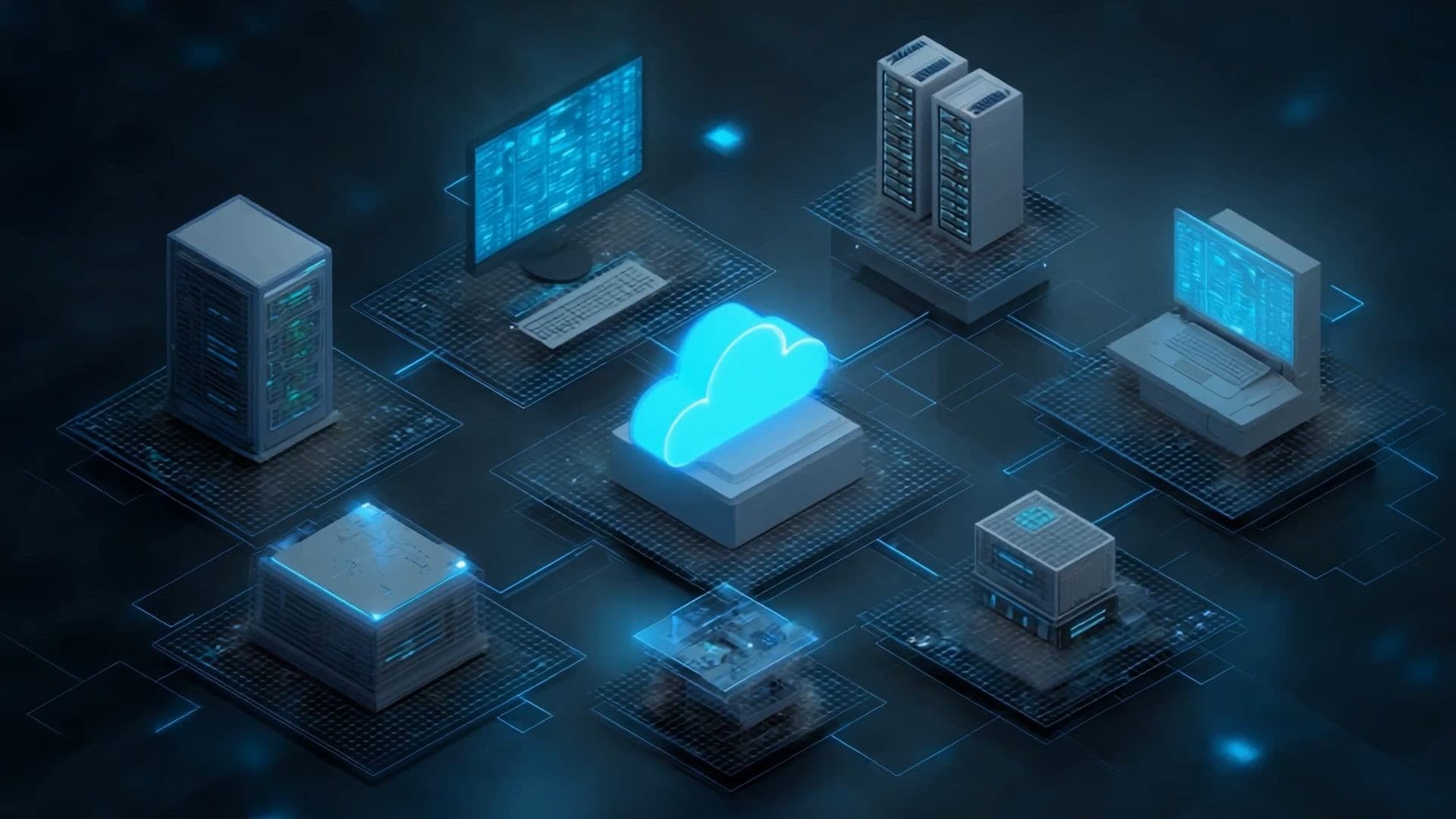
A manufacturing execution system linking master data, sales, purchasing, materials, production, equipment and quality. It gathers floor signals and LOT history into the base for AI-MES.
- Ten work areas
- LOT tracing and quality
- AAS and IT/OT links
- Extending to AI-MES
02 · FEMS
Managing energy in the language of process and production
Power, gas, steam, water and operating conditions are collected to manage usage, cost and peaks. Linked to production data, it extends to AI prediction and carbon management.
- Metering and live monitoring
- Usage and cost analysis
- Peak and load management
- AI and carbon links

03 · B2B
Products, stock and orders on the same screen as your customers
Product information and customer-specific terms are structured, and quotes, orders, stock and settlement connected — workflows built for business-to-business trade such as tool distribution.
- Products and catalogue
- Quotes and orders
- Sales and stock linked
- Payment and settlement

04 · GROUPWARE
Mail, approvals and schedules in one workspace
Work management, team collaboration and messaging in one place. Cloud and on-premises are considered against how the company operates, and document and work flows are connected.
- Work management
- Collaboration spaces
- Business messenger
INTEGRATION
On top of the systems you run today, connected as they are
Without replacing the ERP or the floor equipment — the data is joined between them.
WHY ITSCO
A proven DX record:smart factory projects delivered
Cumulative delivery and technology record · as of Sep 2026
Highlights
- 01MES GS grade 1OPTISCO-MES v1.0 software quality certification20-0145
- 02Integrated management of production process data and monitoring systemAn MES built for a high-mix, multi-process forging floor, making production visible in real time.DX case study
- 03An FEMS that turns energy data into savingsWhat FEMS solved at a real site, and what changed afterwards.DX case study
PROCESS
From assessment to rollout, in four steps
The most pressing work moves into the system first, is proven in a pilot, and then extends to more lines and teams.
Assessment
- Survey of production, quality, energy and work flows
- Review of existing ERP, equipment and documents
- Priority areas selected
Design
- Master data and code structure defined
- Work processes and screens designed
- ERP and equipment interfaces listed
Build and integration
- System built and data migrated
- ERP and OT integration set up
- Floor terminals and screens deployed

Stabilisation and rollout
- Pilot line run and validated
- User training and handover
- More lines and teams added


FAQ
Before you start: frequently asked questions
We already run an ERP. Can these work alongside it?
Yes. MES takes the ERP's production plan, turns it into work on the floor, and returns equipment, work and quality results to the ERP. B2B also connects to existing ERP and inventory systems and carries customer orders straight through.
Can old machines, or machines with no communication port, be connected?
Machines on different protocols and legacy machines with no port are connected together and grouped by line. Equipment connection itself belongs to the OT stage and can be done alongside.
Do all four solutions have to go in at once?
No. Start where it hurts most and add on. If production and quality records are the problem, start with MES; if energy cost and regulation are urgent, start with FEMS; if customer orders are stuck in phone calls and email, B2B and MES often start together.
Can we choose between cloud and on-premises?
For groupware, cloud and on-premises are both considered against how the company operates. For the other solutions, the setup is decided from the security policy and the plant's network.
What comes after DX?
The production, quality and energy data DX builds up becomes the material for AX — quality prediction, predictive maintenance and energy optimisation, where AI makes the call.
CONNECT THE NEXT
Connected solutions
The solutions that take this one's data and results and carry them on.
START WITH YOUR FACTORY
Start with your factory's own challenges
Check where you stand with the AX readiness check first, then carry on to a consultation.