



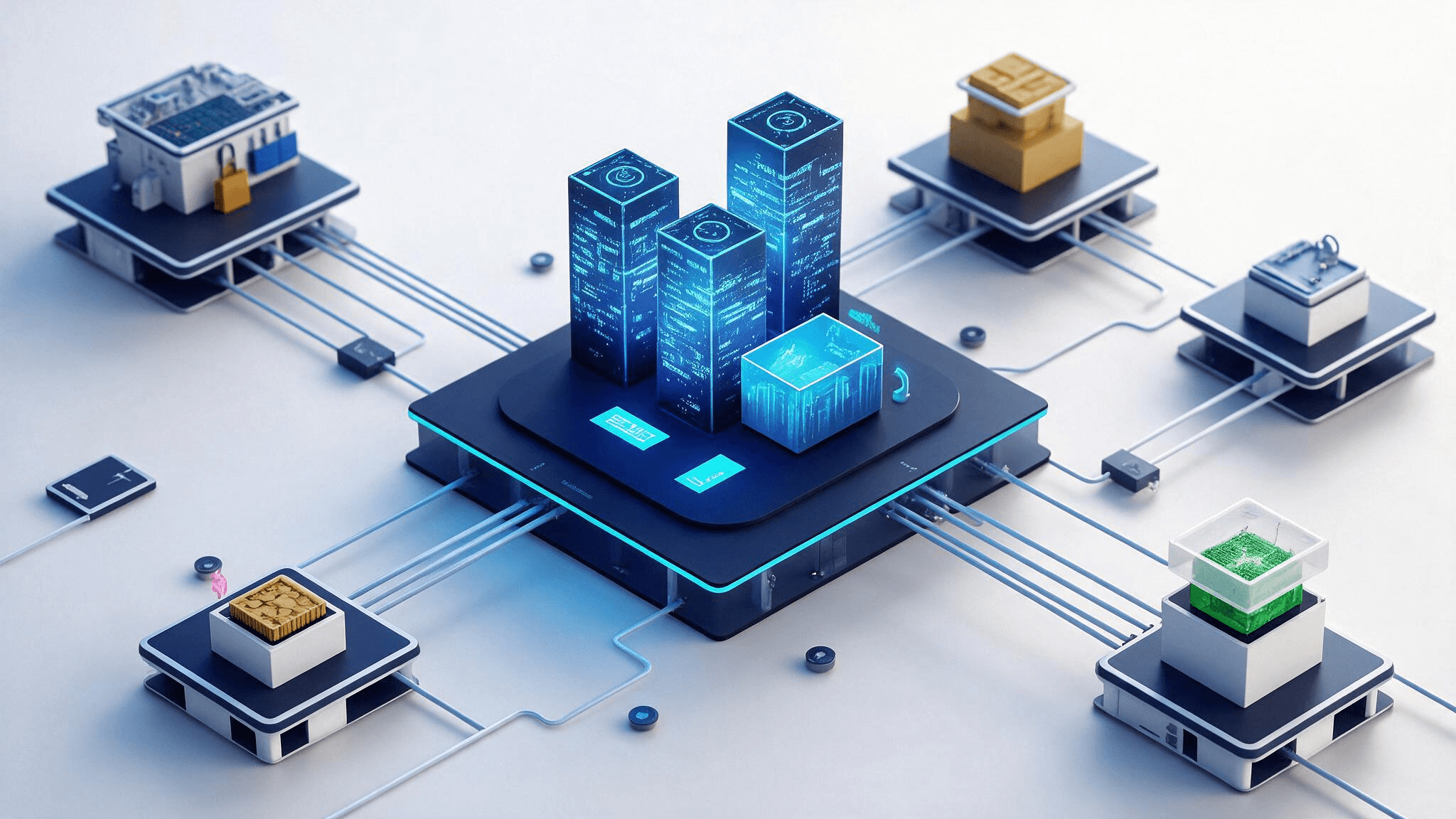
Before01
Company profile
- Phone-only enquiries
- All-manual ordering
- Errors raise costs
E-Commerce
A custom platform that integrates seamlessly with your existing infrastructure and keeps evolving as your business grows.
OVERVIEW
Price, stock and delivery dates are answered by the system on the spot, with nobody copying them across.
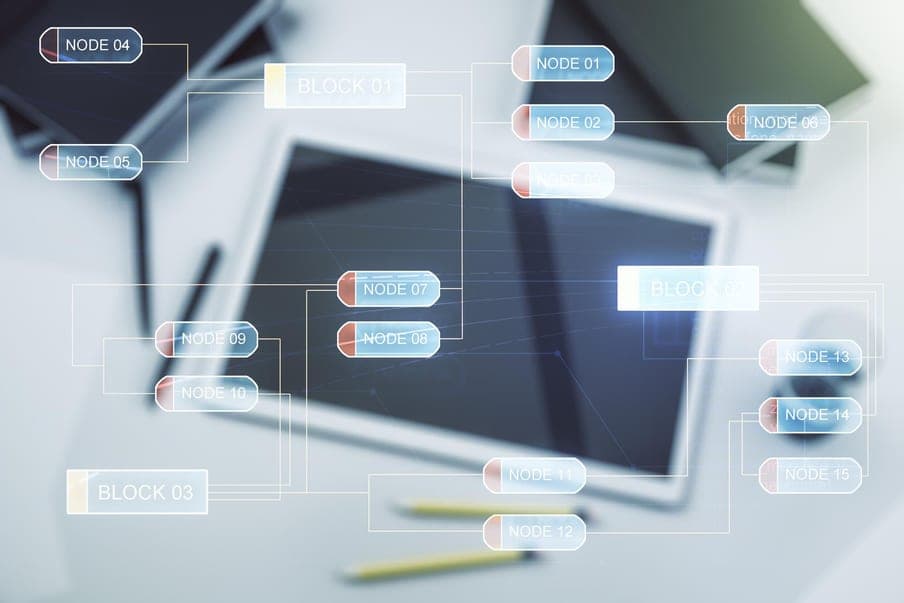
It blocks real-time inventory synchronization, causes data inconsistencies and drives excessive time and cost into system integration.

Requests travel across email and other channels, slowing response times, while repetitive manual data entry wastes staff resources.

It complicates the search for detailed specifications and makes per-customer management and effective information classification difficult.
KEY FEATURES
From product and catalogue operations through the order process and sales to payment and finance.
Commerce Capability
01 / 04
01
Complex product information is structured systematically so it is easy to manage online, giving customers a digital environment in which they can quickly find exactly the information they need.
Management Scope
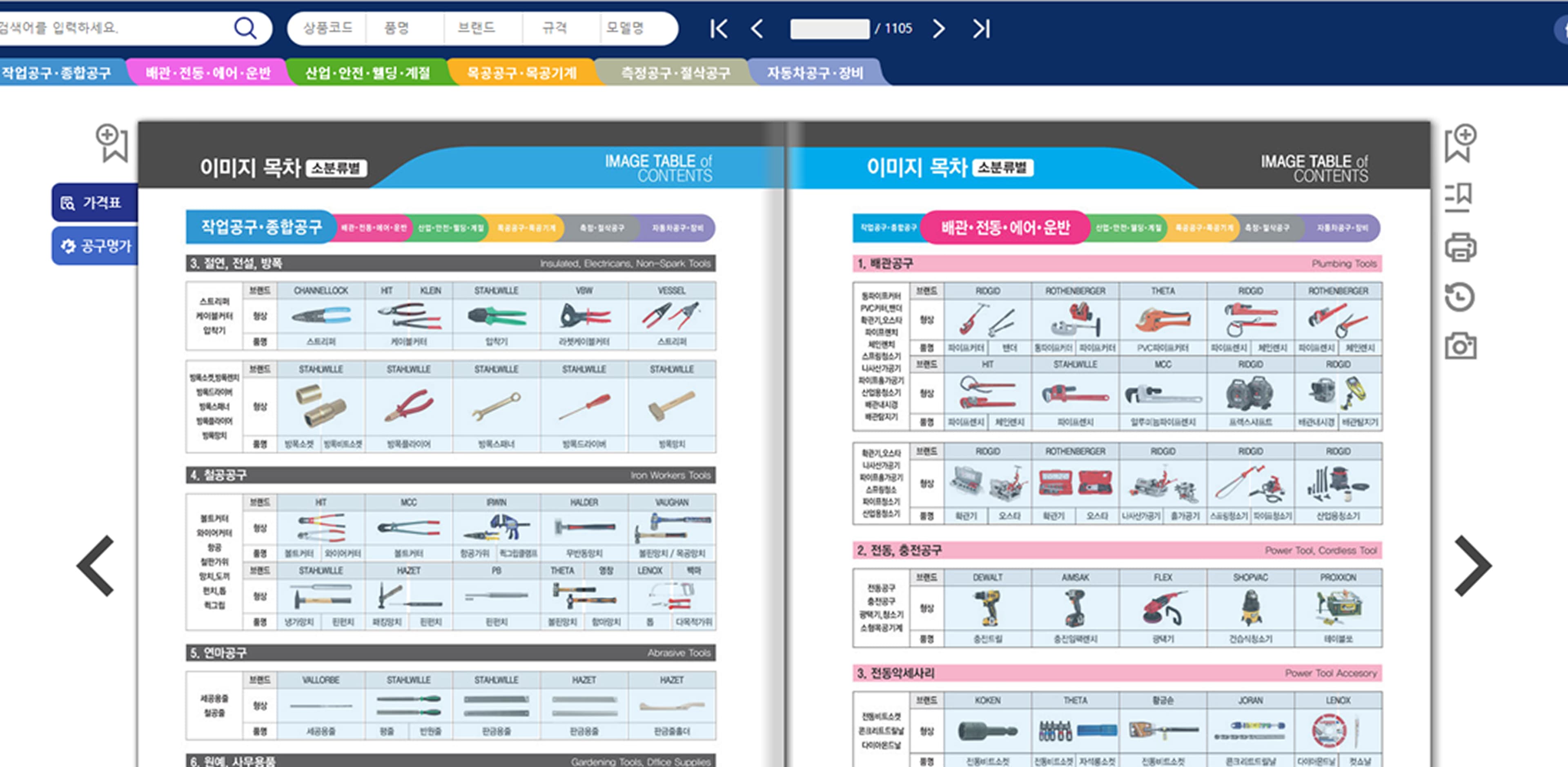
Product catalogue management
Prices and product information tailored to each B2B customer are registered and maintained.

Manufacturing/materials

Logistics and distribution

IT/telecom

Construction materials

Healthcare/medical devices
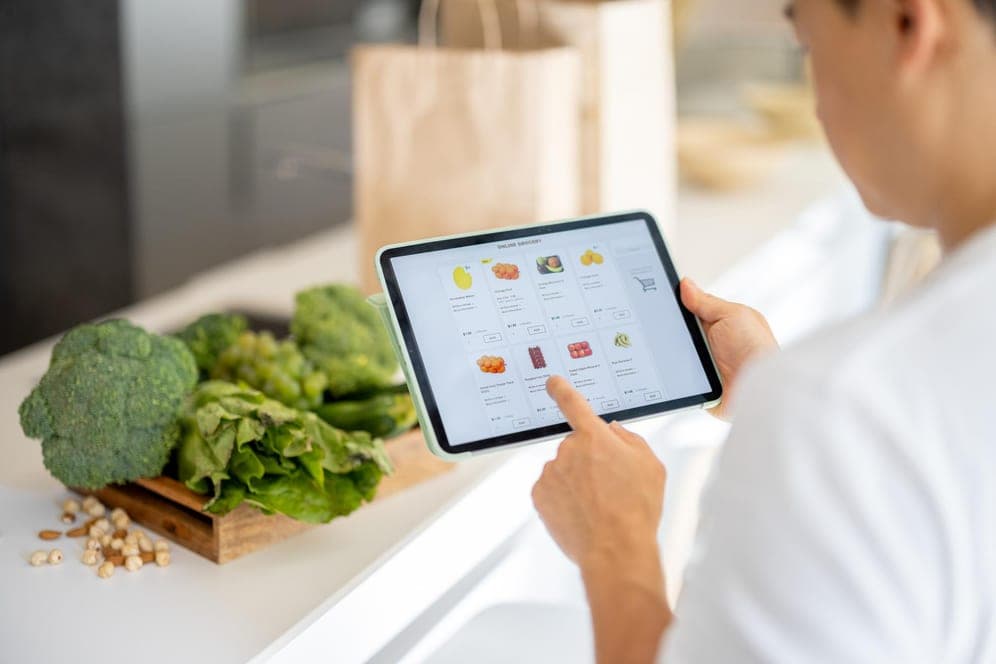
Food/consumer goods
Manufacturing/materials
Logistics and distribution
IT/telecom
Construction materials
Healthcare/medical devices
Food/consumer goods
ARCHITECTURE PROCESS
From consulting to launch and maintenance, and what each stage leaves behind.




EFFECT
What it leaves behind — in sales productivity, cost, customer experience and use of data.
BUSINESS OUTCOME
Higher sales productivity
Quotation and ordering are automated to cut lead time, errors from manual entry are stopped at source, and orders stay open around the clock so no opportunity is missed.
Lead time · entry errors · ordering hours
Cost savings and operational efficiency
The cost of sales support falls, work processes are standardised, and channel management scattered across places is brought together.
Support cost · process standard · channels
Stronger customer experience and partnerships
Enquiries are answered quickly and handled accurately, order and delivery status is shared live, and recommendations fitted to each account raise satisfaction.
Response time · accuracy · repeat orders
Data insight and strategic management
Decisions rest on data, stock and logistics are optimised, and customer management is left as a system rather than a habit.
Decision basis · stock turnover · customer history
CASE STUDY
A tool maker and distributor that moved phone orders onto an electronic catalogue wired into ERP.

Customer industry
Tool manufacturing and distribution
Before01
After02
Results
Build a B2B commerce platform that turns phone orders into data
Orders with your buyers should not end in a phone call and a spreadsheet.
We check what your ERP and stock systems can share, and size the platform to your trade volume.
Talk to us
