


Before01
Company profile
- Departmental silos
- Manual document work
- Cross-team data gaps
DIGITALIZE
A groupware solution that brings communication, collaboration and approvals together.
OVERVIEW
Mail, approvals, messaging and calendars stop running separately and become one flow on one screen.
Cloud
On-Premises
KEY FEATURES
From work management through collaboration spaces to the business messenger, on one platform.
Workplace Capability
01 / 03
01
Manages the core communication and processes needed from the start to the completion of work — mail, e-approval, projects, calendar and messenger — in one place.
Management Scope
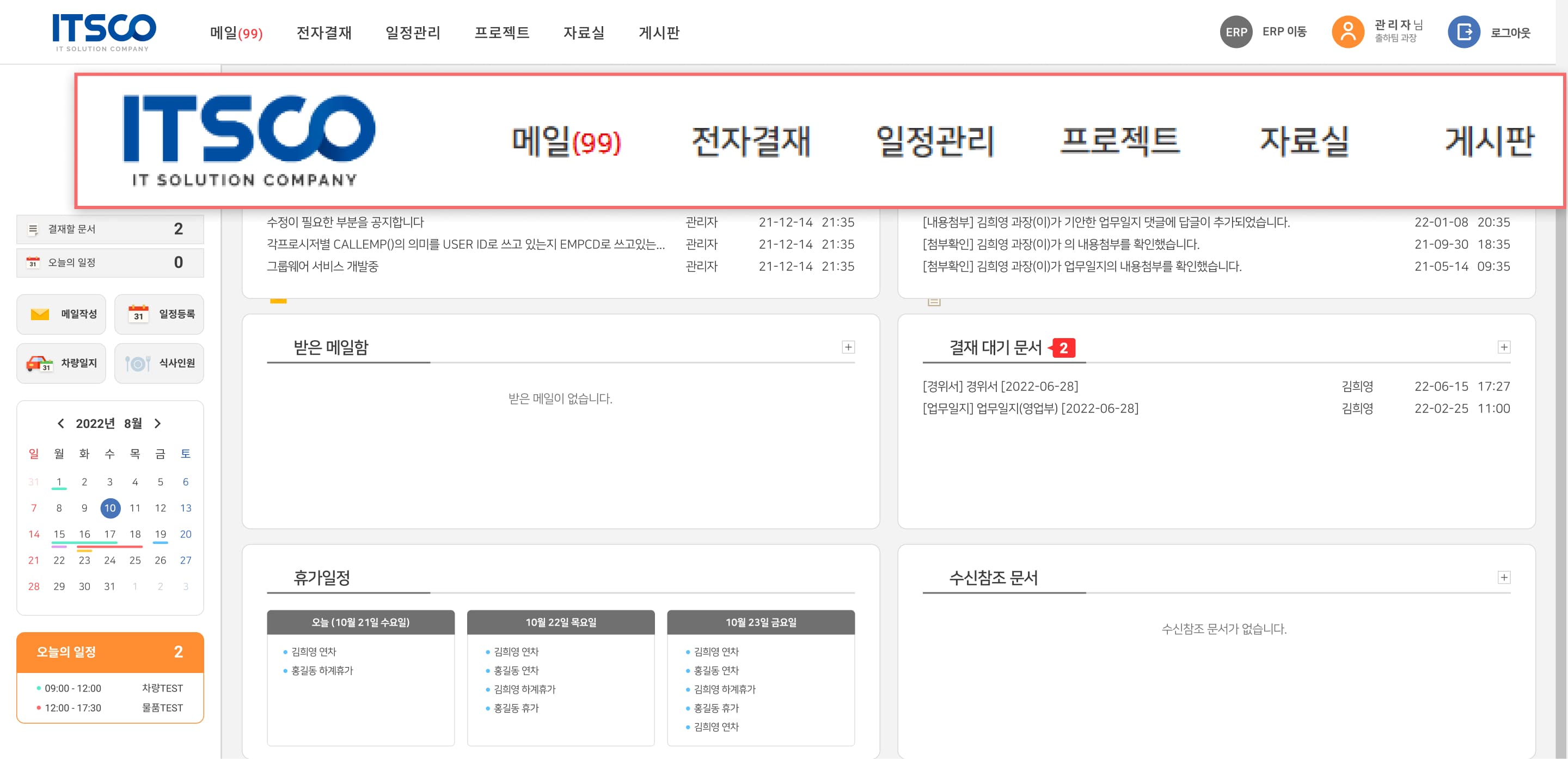
Work management
Tasks, schedules and project progress are registered and shared, keeping personal and organisational productivity in view.
WORKFLOW
For each capability, the order it runs in and the check it passes before moving on.
Receive mail
Check request · attachments
Organize content
Target · schedule · requirements
Assign owner
Agree on owner · deadline
Follow up
Progress status · source evidence
Recorded alongside
Original mail
Owner · deadline
Follow-up task
Are the owner and deadline set?
Confirmed → execute task
Undecided → coordinate with requester
An example workflow · the detailed links and criteria are set to suit your floor.
SYSTEM ARCHITECTURE
From the data that goes in to the results on the floor.
01 / INPUT
CONNECTED OPERATIONS
GROUPWARE
03 / OUTPUT
01 / INPUT
CONNECTED OPERATIONS
GROUPWARE
CONNECTED OPERATIONS
GROUPWARE
03 / OUTPUT

Manufacturing

IT services
Retail & franchise

Hospitals & medical institutions

Educational & research institutions

Public sector & local government organizations
Manufacturing
IT services
Retail & franchise
Hospitals & medical institutions
Educational & research institutions
Public sector & local government organizations
PROCESS
From consulting to launch and maintenance, and what each stage leaves behind.


EFFECT
What it leaves behind — in efficiency, data integration, the working environment and security.
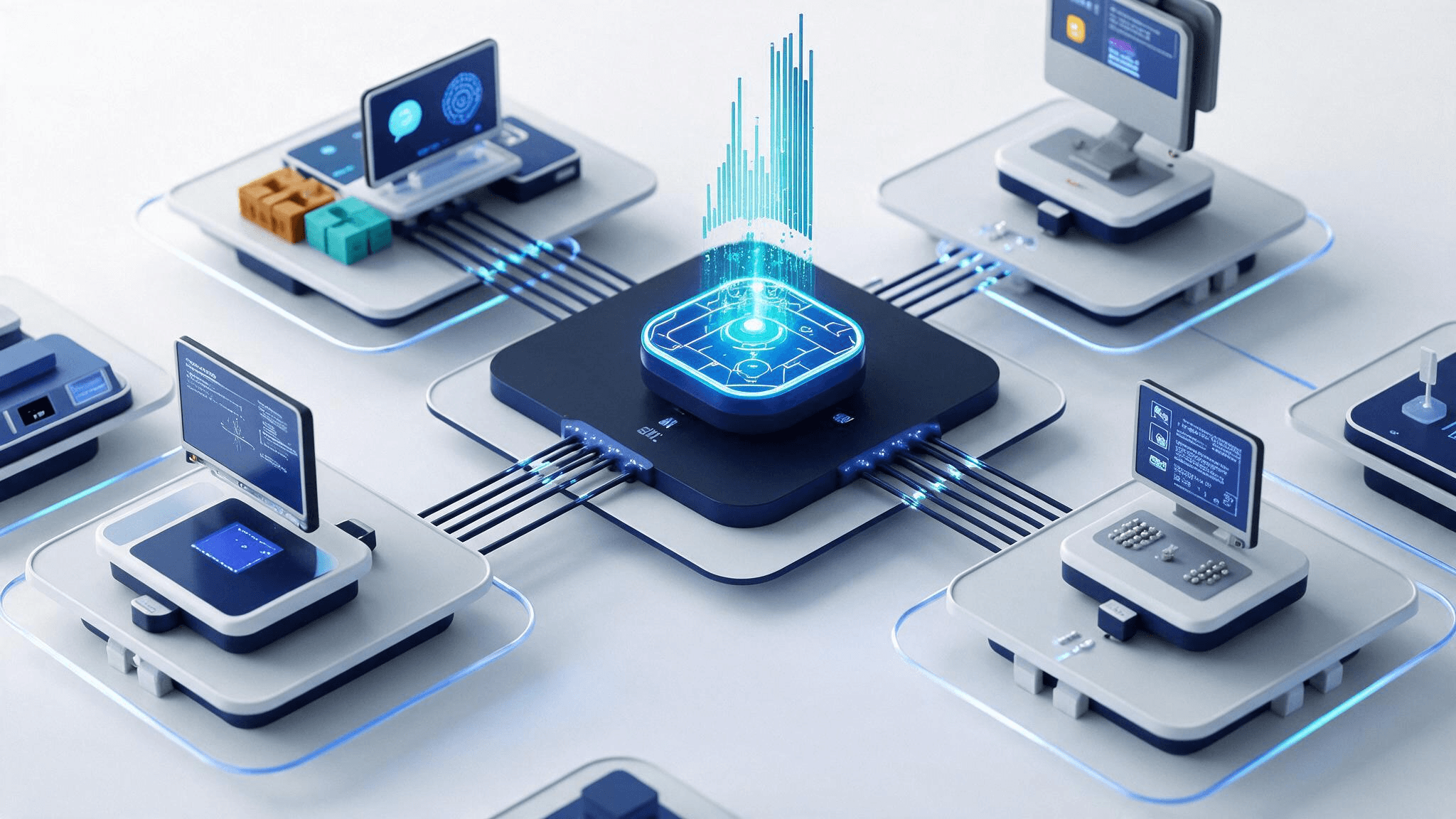
Higher work efficiency
Manual work is minimized, the approval process is shortened, and work no longer slips through the gaps.
Enterprise-wide data integration and stronger interoperability
Information gaps between departments close, external systems are joined, and data integrity is secured.
A flexible, multi-platform work environment
PC and mobile are both supported, so messaging and approvals work from the road or the shop floor, and live alerts speed up response.
Stronger security
A permission-based security model is put in place, monitoring and maintenance processes are established, and compliance and standardization are left behind.
CASE STUDY
A medical device manufacturer that gathered fragmented departmental systems into one and joined them to MES and ERP.
Customer industry
Medical device manufacturing
Before01
After02
Results
Build groupware that gathers departmental systems into one

